01
Begin with one memory
A memorial line or a small scene is enough. You do not need to summarize an entire life.
Create a lasting online memorial for your pet with photos, memories, candles, and messages from the people who loved them.
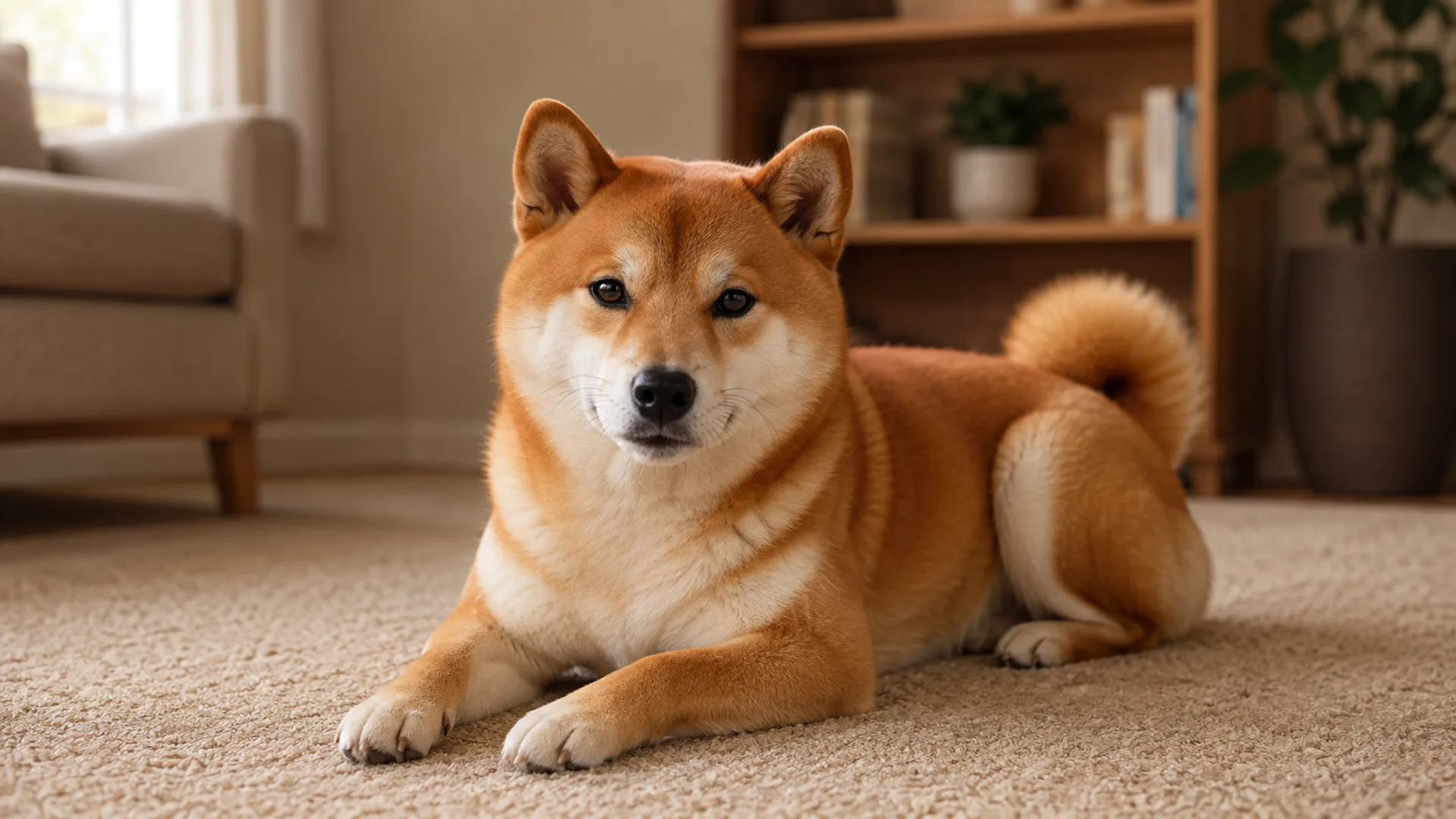
Shiba Inu • 2015-2023
"You were the brightest part of our evenings. Thank you for eight gentle years."
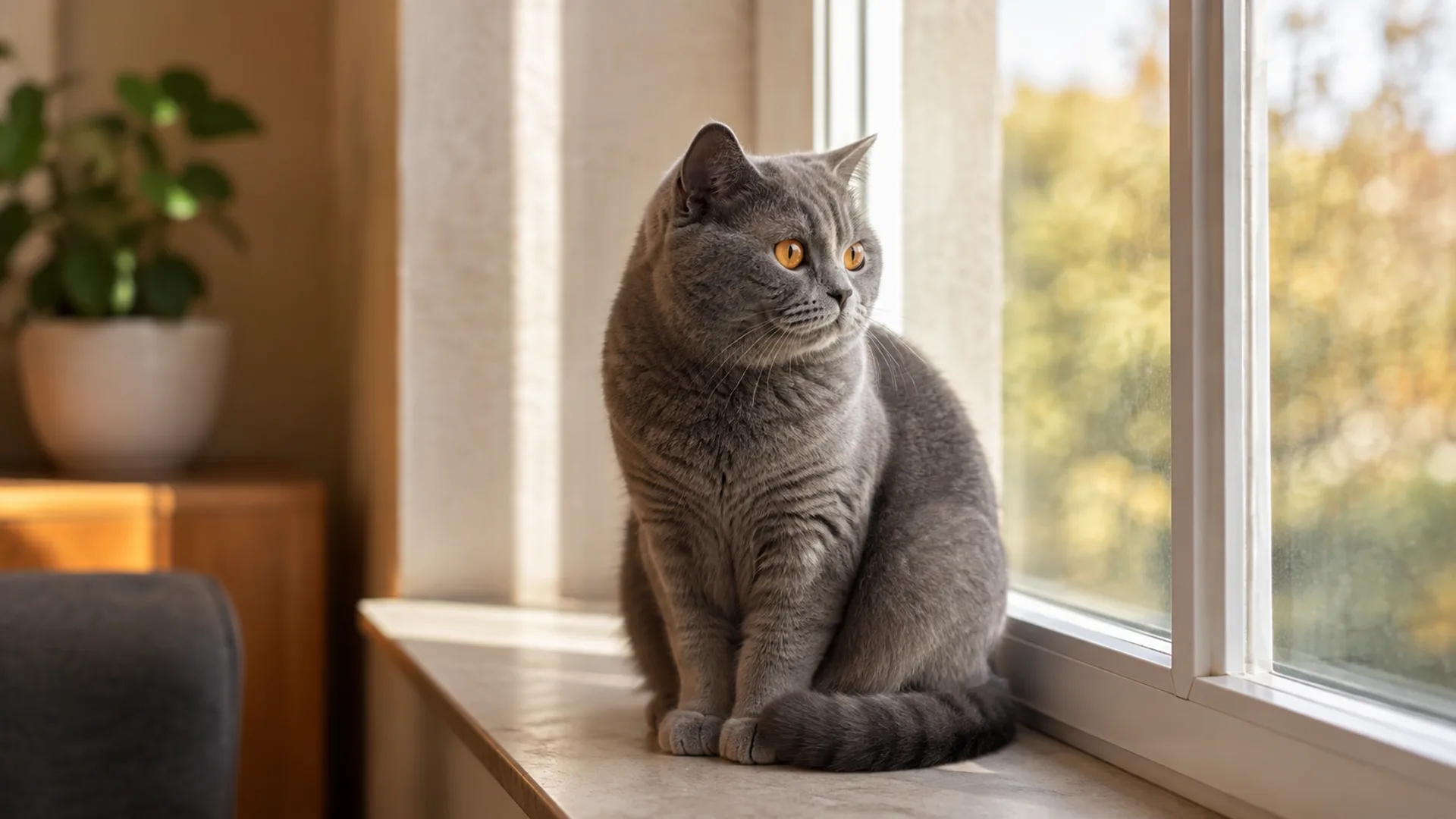
British Shorthair • 2010-2024
"Fourteen years beside you taught me what quiet, unconditional love really means."
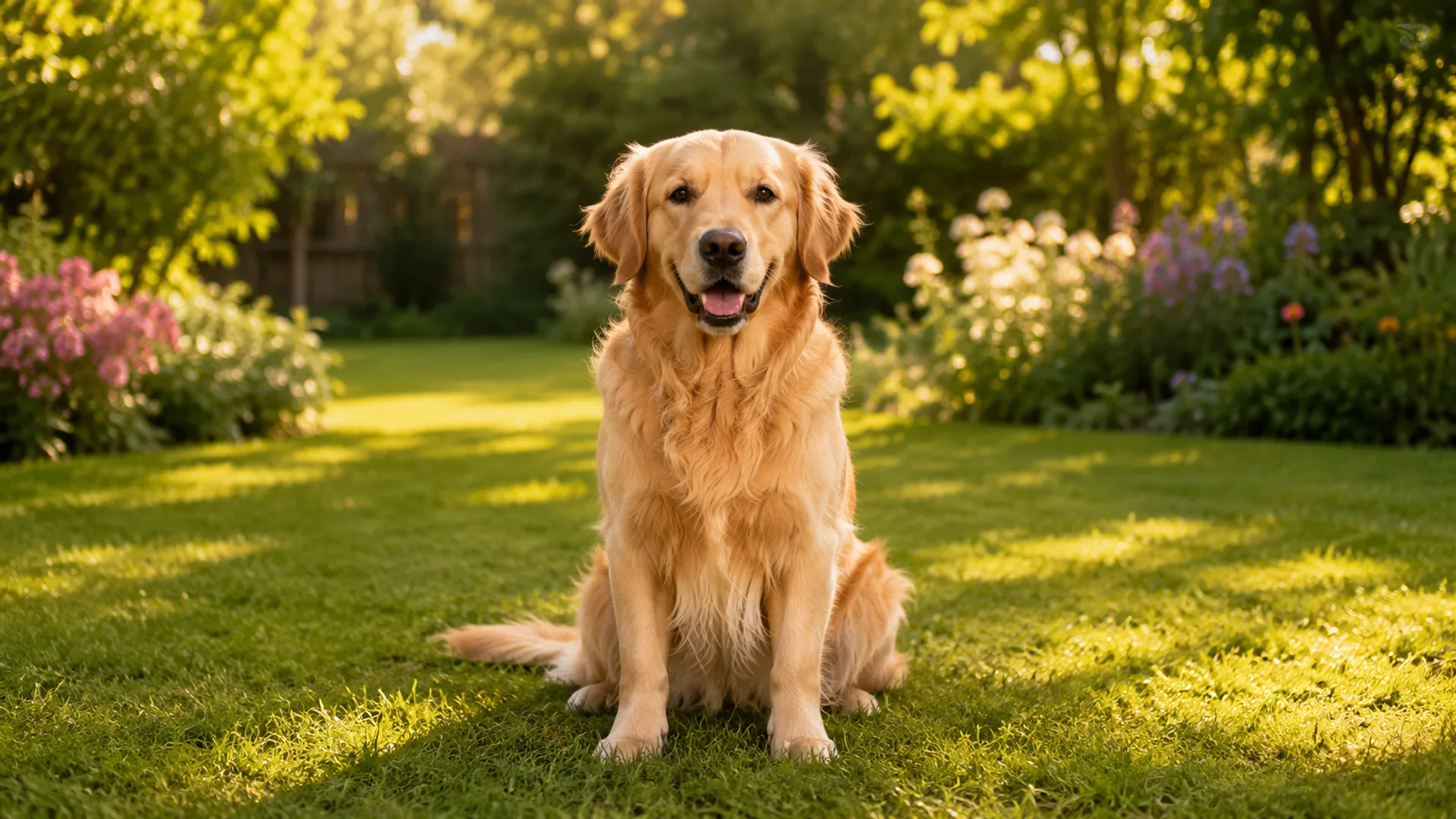
Golden Retriever • 2018-2024
"Our time was short, but every single day with you was full of joy."
"Until the day we meet again at the Rainbow Bridge"
— Everyone who has loved a pet
A place for the details that matter
An online pet memorial gathers one recognizable photograph, a nickname, a daily habit, and the words you want to keep. It can begin simply and grow later, when another memory feels ready.
01
02
03
Four gentle steps
01
02
03
04
Writing prompts
There is no correct memorial voice. Choose one prompt and write only two or three sentences; specific details often carry more feeling than a formal biography.
01
02
03
04
Questions, answered plainly
Q&A
Creating a standard Griefur memorial does not require a separate purchase. You need an account so you can return to manage the page.
Q&A
Yes. Start with a cover photo, basic details, and a memorial message. You can add more photos and a longer story after the page is created.
Q&A
Yes. You choose whether the memorial is public or private. Public pages can be visited by people you share them with and may receive candles, flowers, and messages.
Q&A
The owner can edit or permanently delete a memorial from its management controls. Because deletion is irreversible, Griefur asks for confirmation before removing the page and related content.